
About Tactiq
If you've attended a meeting, chances are you've had to take meeting minutes yourself.
Meeting minutes are useful in many situations, from notes for reviewing discussions later to sharing information with members who could not attend. Simple minutes make it hard to accurately capture what was discussed, so a certain level of detail is required. That said, it is simply impossible to transcribe every word of a meeting. The usual workflow involves noting key points during the meeting and then formatting them afterward, which means writing meeting minutes often takes considerable effort and time.
At Liberogic, we use "Tactiq" to reduce the burden of taking meeting minutes and to keep more accurate records.
About Tactiq
Tactiq is a transcription tool powered by OpenAI.
It is available as a Chrome extension and can be easily installed from the Chrome Web Store.
It supports major meeting tools such as "Google Meet," "Micro Teams," "Zoom," and "Webex," and transcribes meeting conversations directly into text.
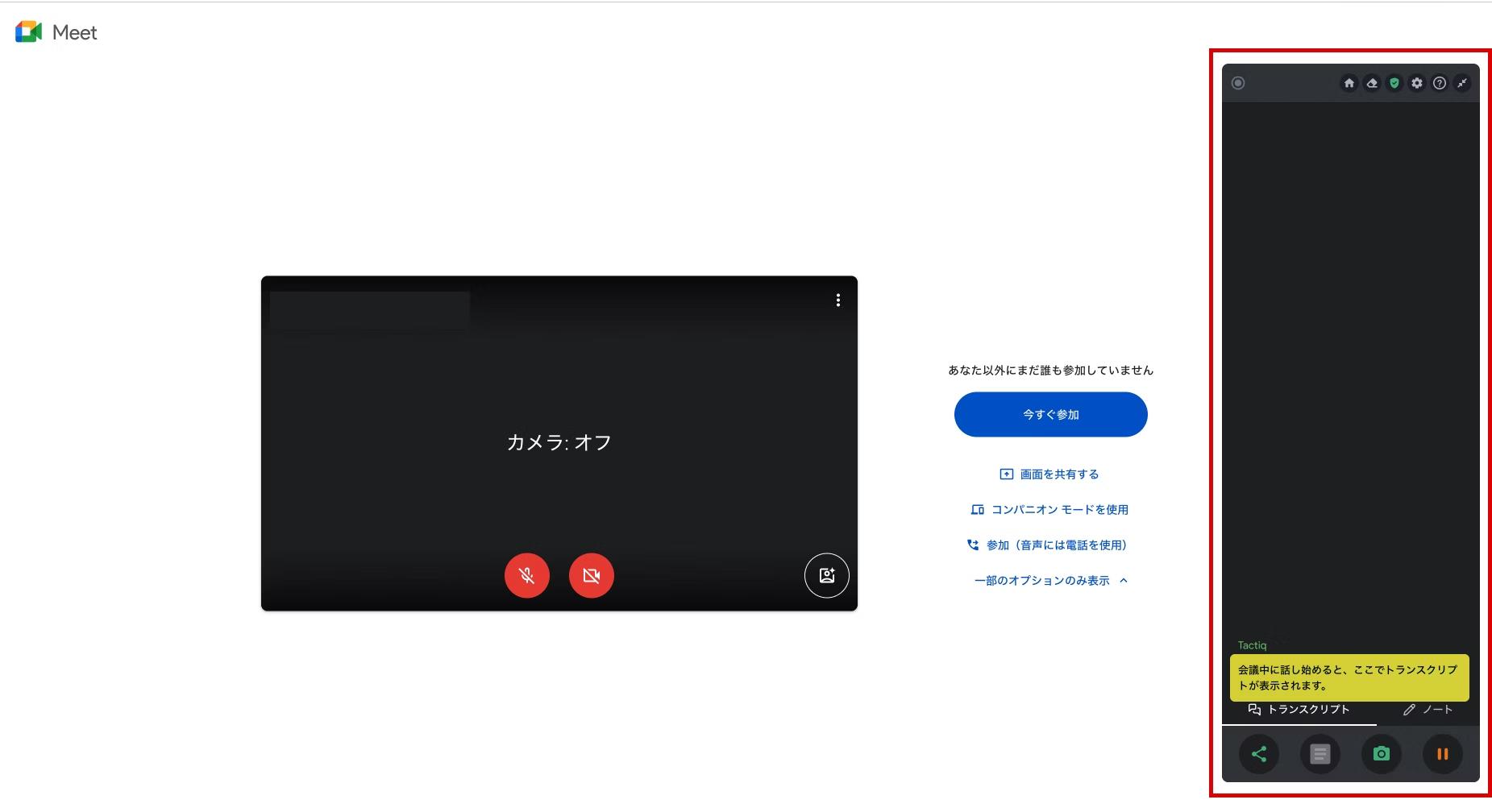
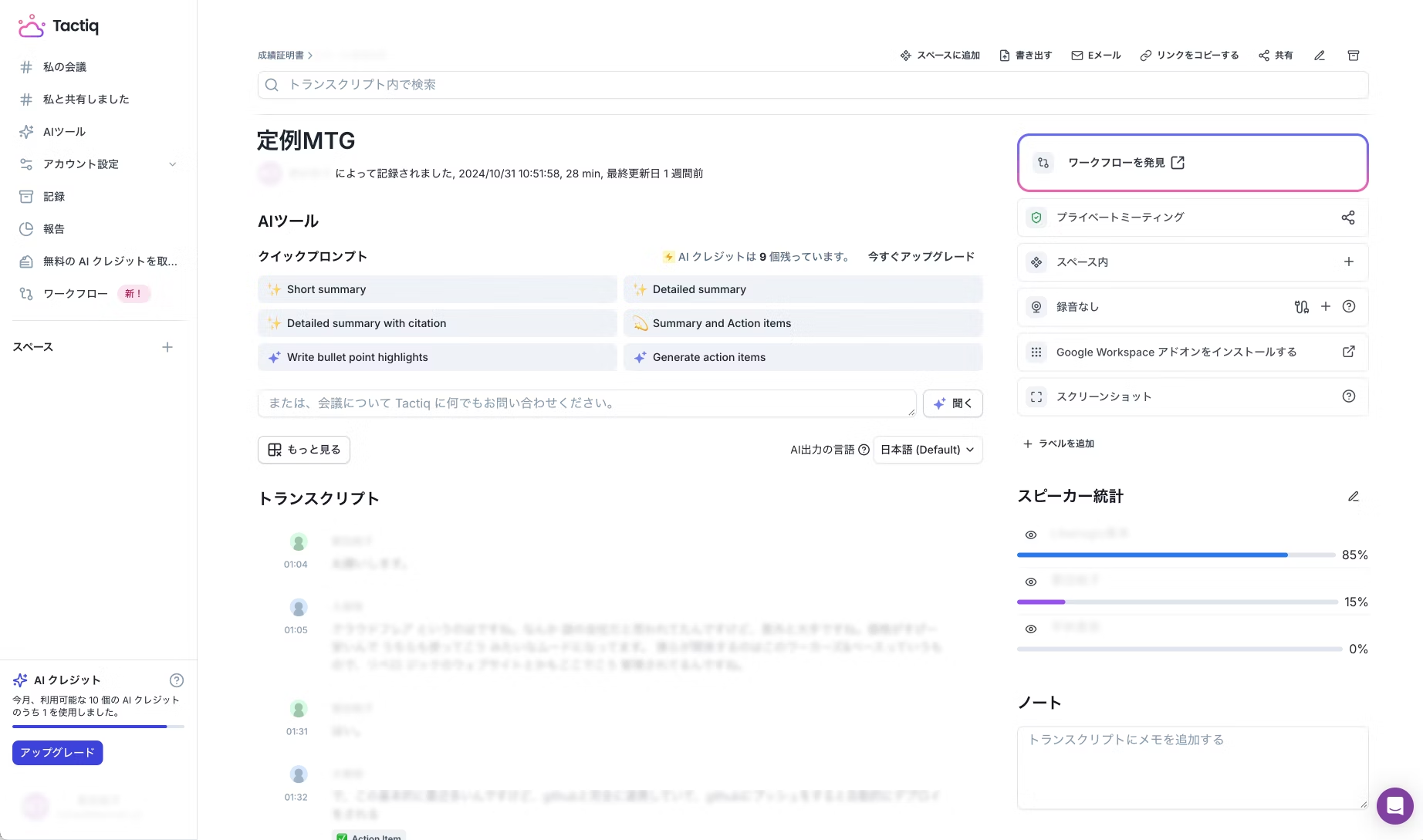
Note: Transcripts contain confidential and personal information, so they have been obscured.
Minutes can be exported as PDF or TXT files, making them easy to share. Additional setup is required, but you can also set Google Drive or Notion as the export destination.
The AI summary feature condenses long meetings into summaries and assigns tasks raised during the meeting to team members. It also reads the context to correct minor typos.
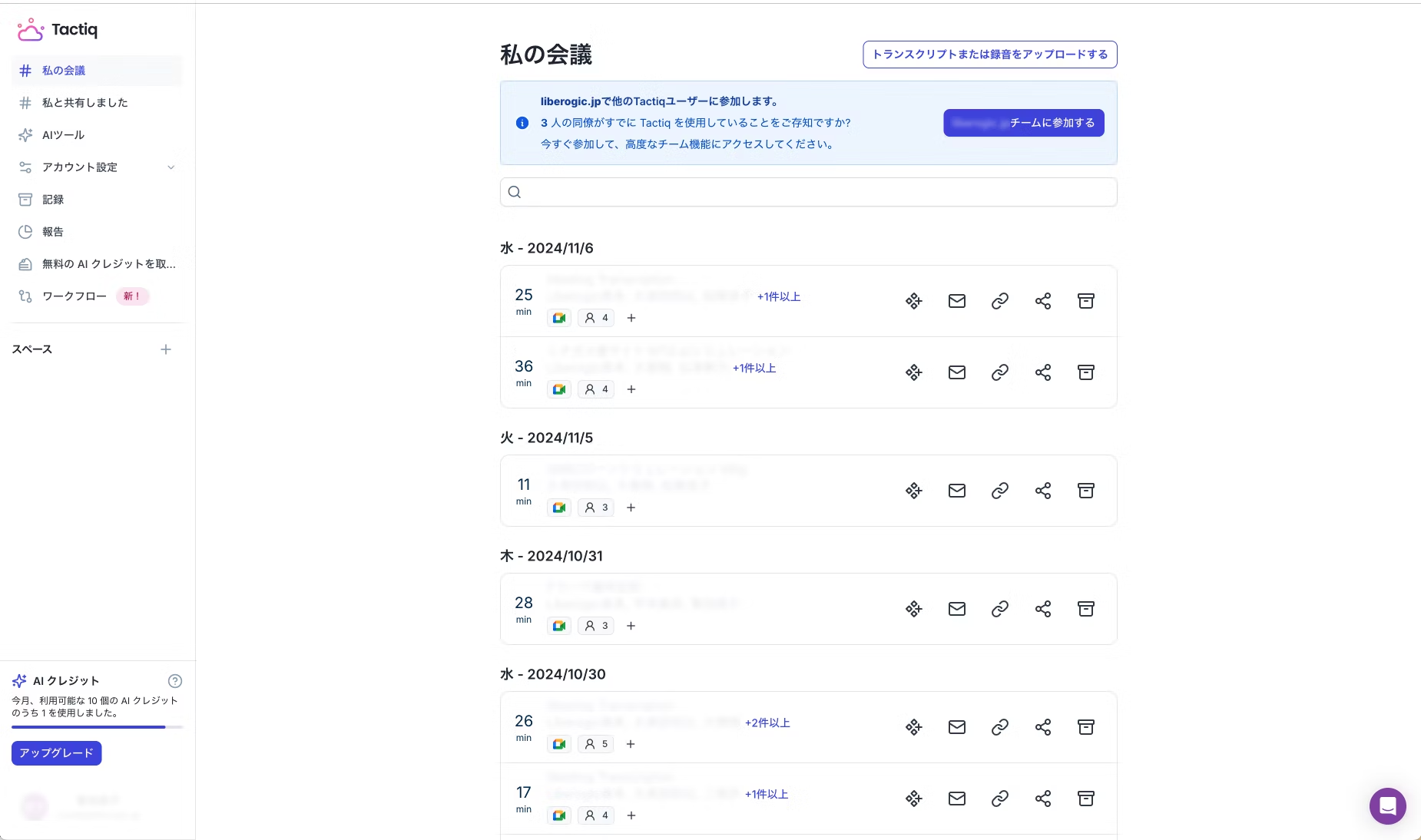
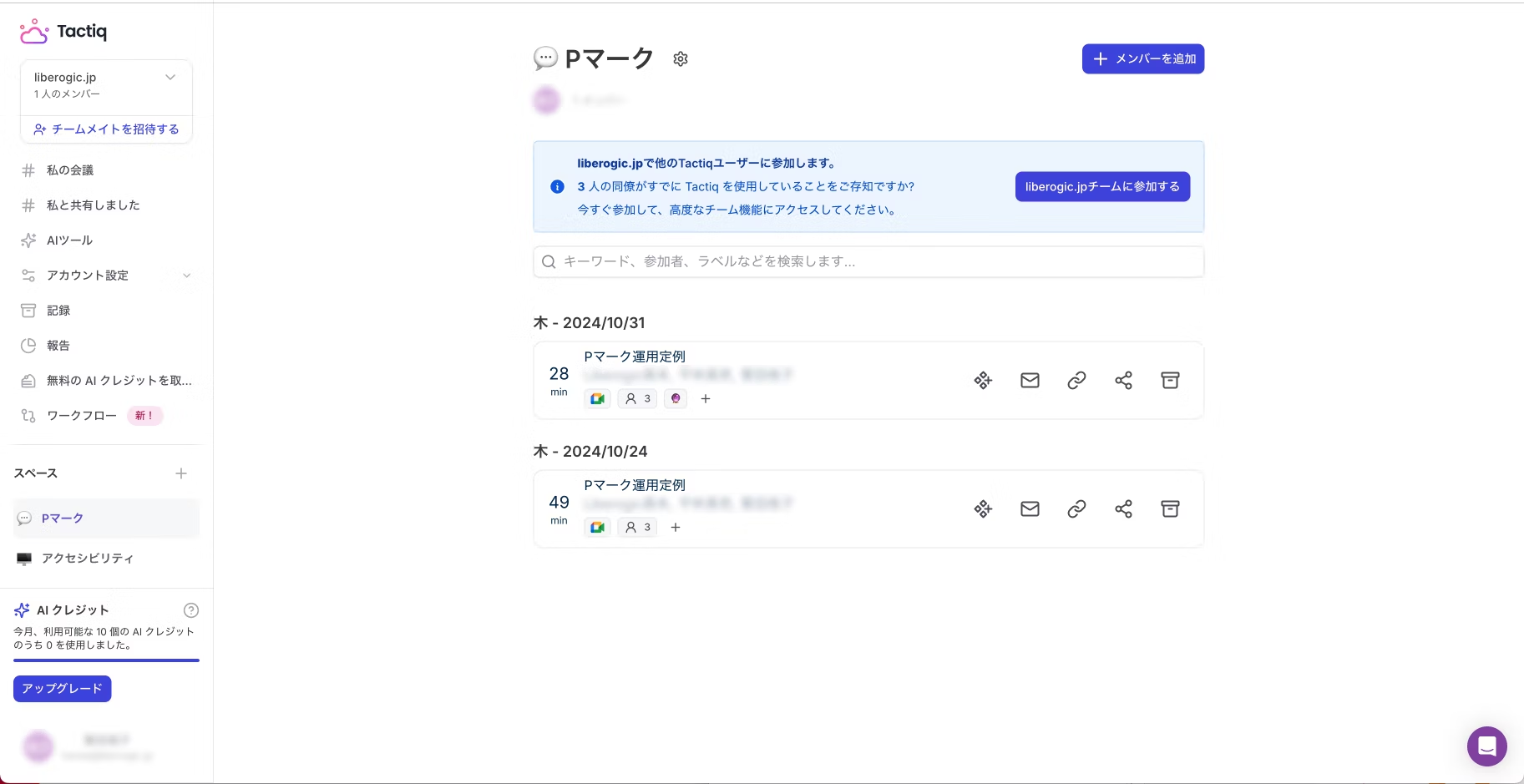
The list view shows meeting minutes in order of meeting date. However, when you're juggling multiple projects, it can take some effort to find the minutes you need. In that case, we recommend using the Spaces feature. Spaces lets you manage meeting minutes for each project separately.
My Impressions After Using It
The transcription accuracy is higher than I expected, and combined with the AI summary feature, I feel Tactiq alone can handle simple meeting minutes. Transcription accuracy can drop slightly when speech is unclear, the conversation moves quickly, or people talk over each other. So rather than leaving everything to the tool, I think the best approach is to take your own notes and have Tactiq fill in the key points, such as how a conclusion was reached. When I first started using it, I doubted it would be that accurate and thought taking minutes myself would be faster. Now it has become indispensable.
I introduced the summary feature earlier, but honestly, I haven't been able to make good use of it yet. I know it should save time, but I have a particular obsession with recording every step of how we reached a conclusion, down to every word, so I haven't found a good way to work with it. I think it's simply a mismatch with how I structure my minutes, so I want to meet Tactiq halfway, improve my format, and cut down on creation time as much as I can.
The available features are still limited for now, but the connection settings screen showed many tools that appear to be planned for future support. I'm looking forward to what comes next.
The free plan is more than sufficient, so why not give it a try?



Currently working hard as a director who rose from new graduate hire! I'm striving to become a multi-talented professional who masters every field, from design to ad operations. At work, I aim for smooth, efficient direction, while in my private life I enjoy a homebound lifestyle in my fortress of a home. I happen to love anime.
Handan-chan
Web Director / Joined in 2022