

In my previous post, I covered implementing on-site search with Cloudflare AI Search. This time, I'm writing a follow-up.
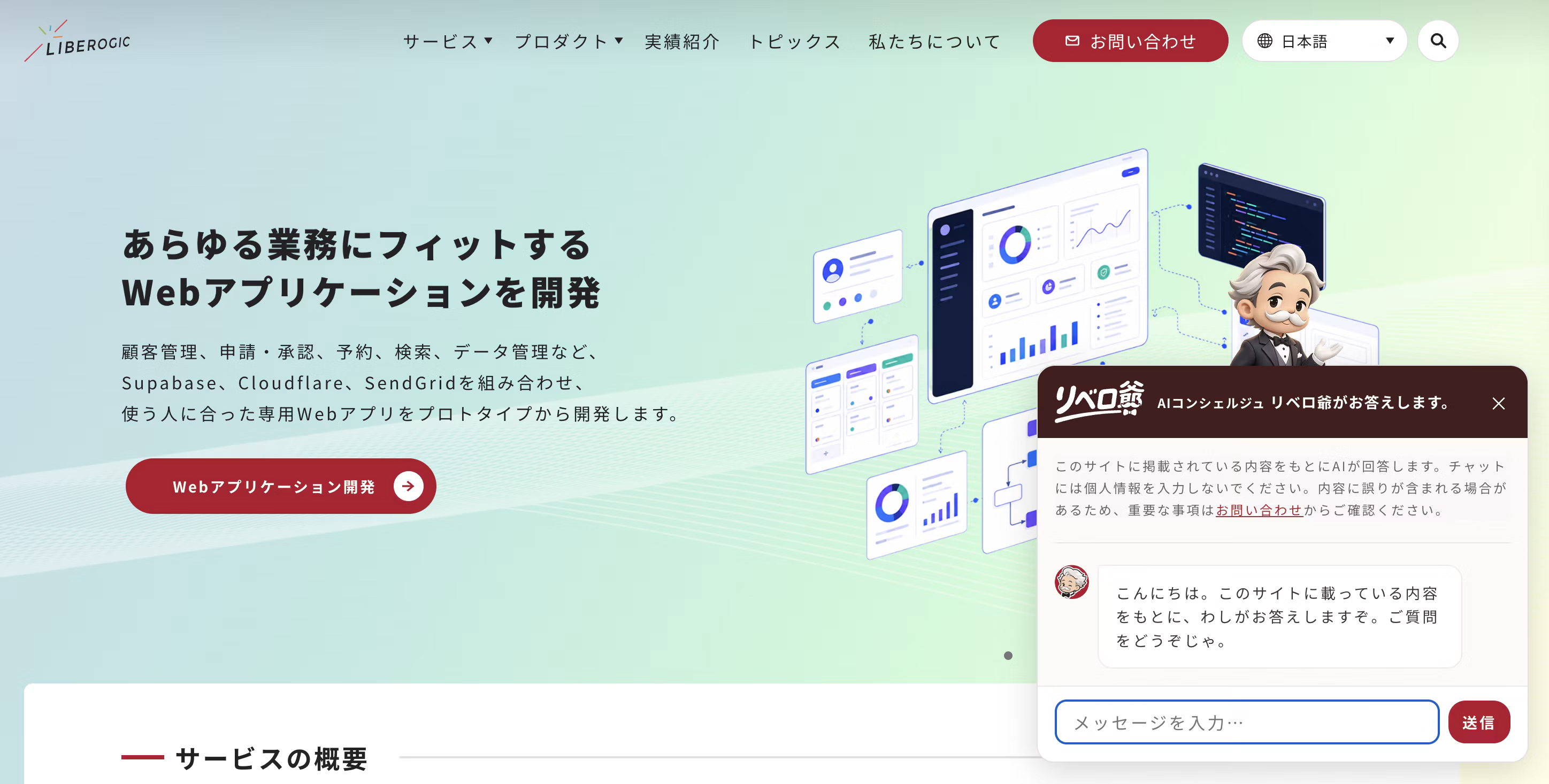
Using the same AI Search, I built a chatbot called "AI Concierge Liberozee" that answers based on the site's content.
To cut to the chase, if you already have search in place, the additional cost is quite small.
You can reuse the crawl-and-index pipeline as is, and there's zero extra data preparation.
The main work was tuning prompts rather than code.
The endpoint used is chat/completions
As I mentioned previously, the AI Search API has two endpoints.
One returns a list of search results: search, and the other generates answers via RAG: chat/completions.
For on-site search I used only the former, but this time I'm using the latter.
chat/completions handles everything in a single request: embedding the query, retrieving relevant chunks from the index, and having an LLM generate an answer grounded in those chunks.
Search and chat share the same index, so updating a page reflects in both.
Structure: one API route + one chat UI
Following the same approach as before, since the API token can't be exposed in the browser, I proxy requests through an API route in Astro (Pages Functions).
const res = await fetch(
  `https://api.cloudflare.com/client/v4/accounts/${id}/ai-search/instances/${name}/chat/completions`,
  {
    method: 'POST',
    headers: { Authorization: `Bearer ${token}` },
    body: JSON.stringify({
      messages: [{ role: 'system', content: SYSTEM_PROMPT }, ...history],
      stream: false,
      ai_search_options: {
        retrieval: {
          retrieval_type: 'hybrid',
          max_num_results: 8, // 根拠として渡すチャンク数。増やすほど入力トークン=費用が増える
          filters: { locale: 'ja_JP' }, // チャットは日本語限定
        },
      },
    }),
  }
);
The frontend is a single floating chat UI component in the bottom-right corner. Conversation history is kept in an array separate from the DOM used for display, and only the most recent 10 messages, with each message limited to 200 characters, are sent to the API.
The full history is re-sent as input tokens every time, so trimming it is the key to cost control.
System prompts are managed in code
You can also set response guidelines in the dashboard's "System Prompt" setting, but I chose to pass them from code. This way, reviews and change history remain in Git.
Here's the general approach.
- Answer using only the provided reference information as the basis.
- If there is no basis to answer (such as pricing details or delivery timelines), do not guess; instead, direct the user to the contact form.
- Keep answers concise, in 3 to 4 sentences. When an answer can be provided, do not add disclaimers such as "this is not described on the site."
Our countermeasure against hallucinations is "always displaying sources."
The response returns the chunks used as evidence alongside the answer. We aggregate these by URL and always display them below the answer as "Referenced pages." Users can immediately check primary sources, so the design does not encourage taking AI answers at face value.
On multilingual sites, chat is limited to Japanese.
In my previous post, I covered how search narrows results to the display language using the locale metadata and filters. Chat uses the same filter and draws only on Japanese pages as its basis.
We also limited the UI itself to Japanese pages. We decided to offer the feature only in languages where we can ensure answer quality.
Accessibility
Because the chat UI continuously adds new messages dynamically, assistive technology support was built in from the start.
- The log area uses
role="log"together witharia-live="polite", so that only new messages are announced by screen readers. - Speakers are distinguished not only visually (bubble color and position), but also by screen-reader-only labels "You:" and "AI:" placed alongside each message.
- Pressing Esc closes the chat and returns focus to the toggle button; when opened, focus moves to the input field.
Costs are visible per question through AI Gateway.
The backend calls made by AI Search can be observed in AI Gateway logs. Each question appears as two entries: "query embedding" (bge-m3, around $0.0000001) and "answer generation" (the generation model). Since the number of generation model log entries equals the number of questions, tracking usage is straightforward.
By the way, the logs also contain a large number of bge-m3 entries, but those come from index updates during crawling. They are easy to tell apart because that batch costs an order of magnitude more.
Don't expect too much: the knowledge comes only from the site's content, while the intelligence depends on the model
Currently, it only reads the content published on the site, so the range of questions it can answer is limited. AI Search can also use R2 buckets as a data source, so it is possible to extend it by documenting items such as past proposals and giving them to it as knowledge.
That said, "it only talks about site content, so it doesn't lie" is not true. Misreading fragments or mixing up multiple pages can lead it to confidently state things that aren't written anywhere. Always displaying sources is the safeguard against this.
Another point: the model generating the responses is Meta's inexpensive open model (Llama family) running on Workers AI, and its reasoning ability is clearly behind the latest commercial models. If you need higher accuracy, the realistic option is to swap in a different model at the cost of higher expenses.
Summary
If you already use AI Search for on-site search, adding a chatbot takes just one API route, one UI component, and a prompt. The biggest advantage is that there's no duplicate data management: when you update a page, both search and chat get smarter at the same time.
On the other hand, answer quality depends on the generation model and the prompt. You should expect to steadily tune the persona and response guidelines by reviewing actual conversation logs. It doesn't end once you've "set it and forgotten it." Even so, for a RAG chatbot on a company website, I think it's a fairly lightweight option.




Starting out in DTP and moving into the web, he now handles markup, frontend, direction, and accessibility alike. A "master of all trades" who has been versatile since Liberogic's early days and is now a walking encyclopedia of the company. Lately he has been hooked on exploring efficiency through prompts, asking, "Can't we rely more on AI for accessibility work?" Both his skills and his thinking are still evolving.
Ayumu Futamata
IAAP Certified Web Accessibility Specialist (WAS) / Markup Engineer / Frontend Engineer / Web Director