

"Will AI writing code mean we're all out of a job?" It used to be a joke, but lately it's starting to feel less like one. GitHub Copilot and CodeX are already writing code for us, and now Google has introduced Jules, which seems to be operating on a whole different level.
Built on Google's latest AI, Gemini 2.0, and the key feature of Jules is that it's autonomous!
Maybe one day it will handle everything for us. We have high expectations! We tried it out to see what it can actually do.
What Jules Can Do
Jules is an AI agent that carries out coding tasks autonomously. Going beyond simple code generation, it supports a range of advanced automation, including the following.
- Breaking down complex tasks and planning: It breaks a given task into smaller steps and creates an implementation plan.
- Code generation and modification: It can generate code across multiple source files and modify existing code.
- Bug fixing and debugging: It identifies and fixes bugs in code.
- Creating and running tests: It runs existing tests and creates new ones to verify that changes work correctly.
- Repository retrieval and cloning: Retrieves code from repositories such as GitHub, clones it into a virtual machine, and carries out the work.
- Creating pull requests: Once code changes are complete, Codex proposes them as a pull request.
- Asynchronous work: Codex can continue coding tasks in the background while the user works on other tasks.
- Audio summaries (CodeCast): Creates audio summaries of recent code activity.
How is it different from Codex, the new feature in ChatGPT?
What is Codex?
Codex is powered by a dedicated large language model developed by OpenAI, called "codex-1." It is optimized for software development based on the latest model, "o3," and is a smart model that incorporates the coding style and expertise of experienced senior engineers.
Capabilities
- Code completion, suggestions, and generation (real-time)
- Code generation from comments
- Suggestions for functions and methods in existing code
- Strength in modifying and extending existing codebases
Codex and Copilot mainly act as "input assistants," providing real-time help as you write or modify existing code. They take the role of an AI pair programmer (a coding assistant).
Jules, on the other hand, works as a "delegated developer." The major difference is that it can autonomously handle a wider range of tasks from the start to the end of a project. This means Jules may also be capable of building a new project from scratch in its early stages, and it can be said to focus more on "automating development tasks."
- Creating new projects is also possible: Based on tasks given by the user (for example, "Create a basic web application"), Jules has the ability to create the necessary files and directory structure from scratch and generate code.
- Deep integration with GitHub repositories: Jules clones the GitHub repository specified by the user into a virtual environment and works there. This means it is not limited to changes in a single file; it can make structural changes across the entire repository, add new files, delete existing files, and otherwise operate on the project as a whole.
- Autonomous work: From initial project setup through file creation, code generation, test execution, and pull request creation, Jules carries out the entire process on its own.
Jules has a higher degree of autonomy and can be entrusted with entire development tasks, positioning it like a "delegated programmer"!
Trying it out!
How to Use Jules
Jules mainly accepts instructions through a chat-style UI.
1. Access Jules: You can access it at jules.google.com.
2. Connect a GitHub repository: Select the GitHub repository and branch you want to work on. For this trial, I prepared a repository called "jules-test."
3. Give instructions via prompt: Japanese works too! This time, I'll try implementing a clock with JavaScript.
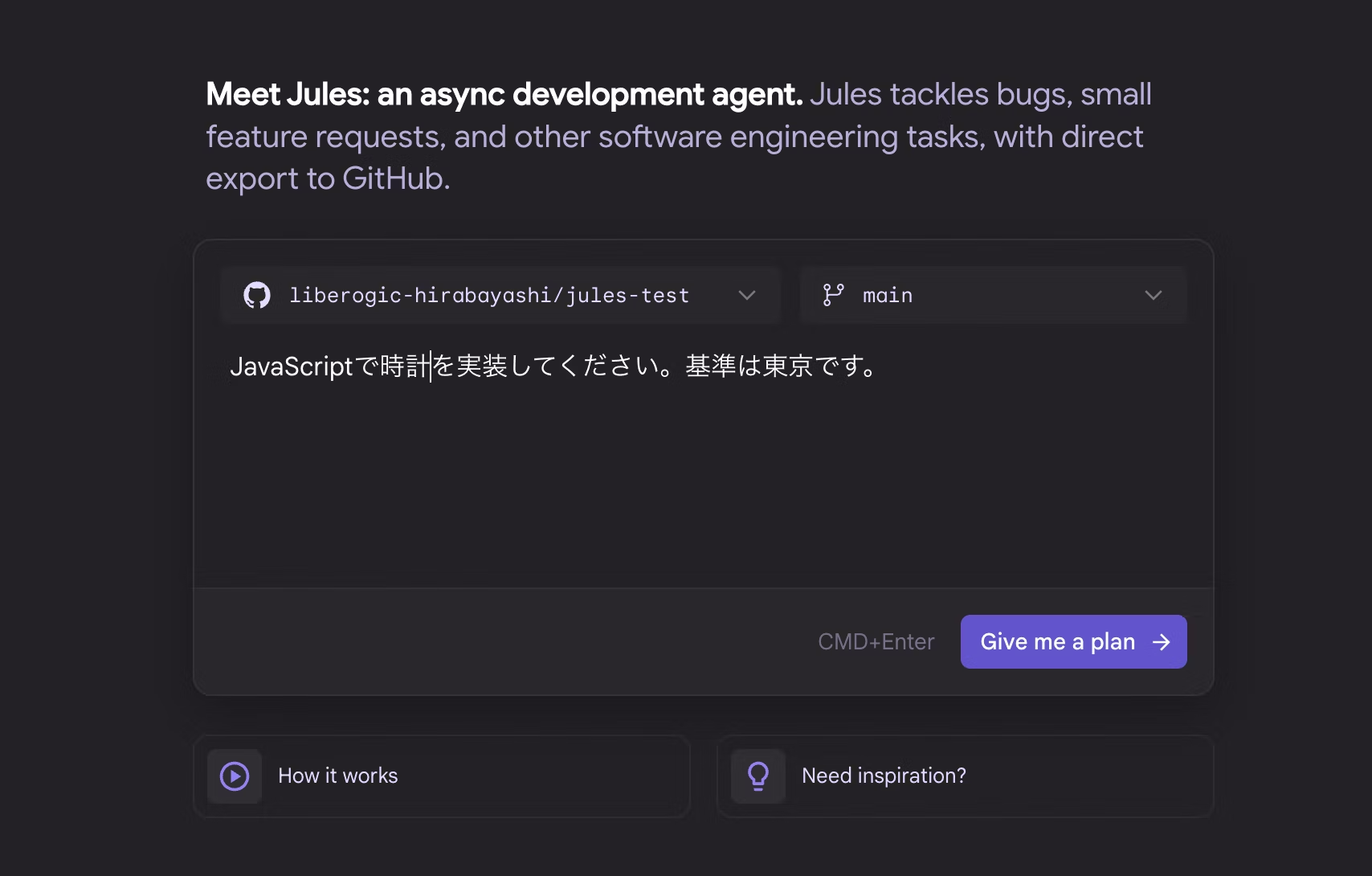
4. Approve the implementation plan: Jules first presents an implementation plan. The user reviews it and approves it. It lays out the workflow, which makes things easy to follow!

5. Coding execution and progress check: Once the plan is approved, Jules automatically starts coding and reports on its progress.
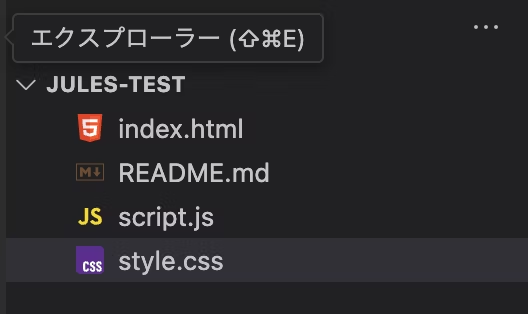
It takes a little while, but the index.html, script.js, and style.css files were generated!
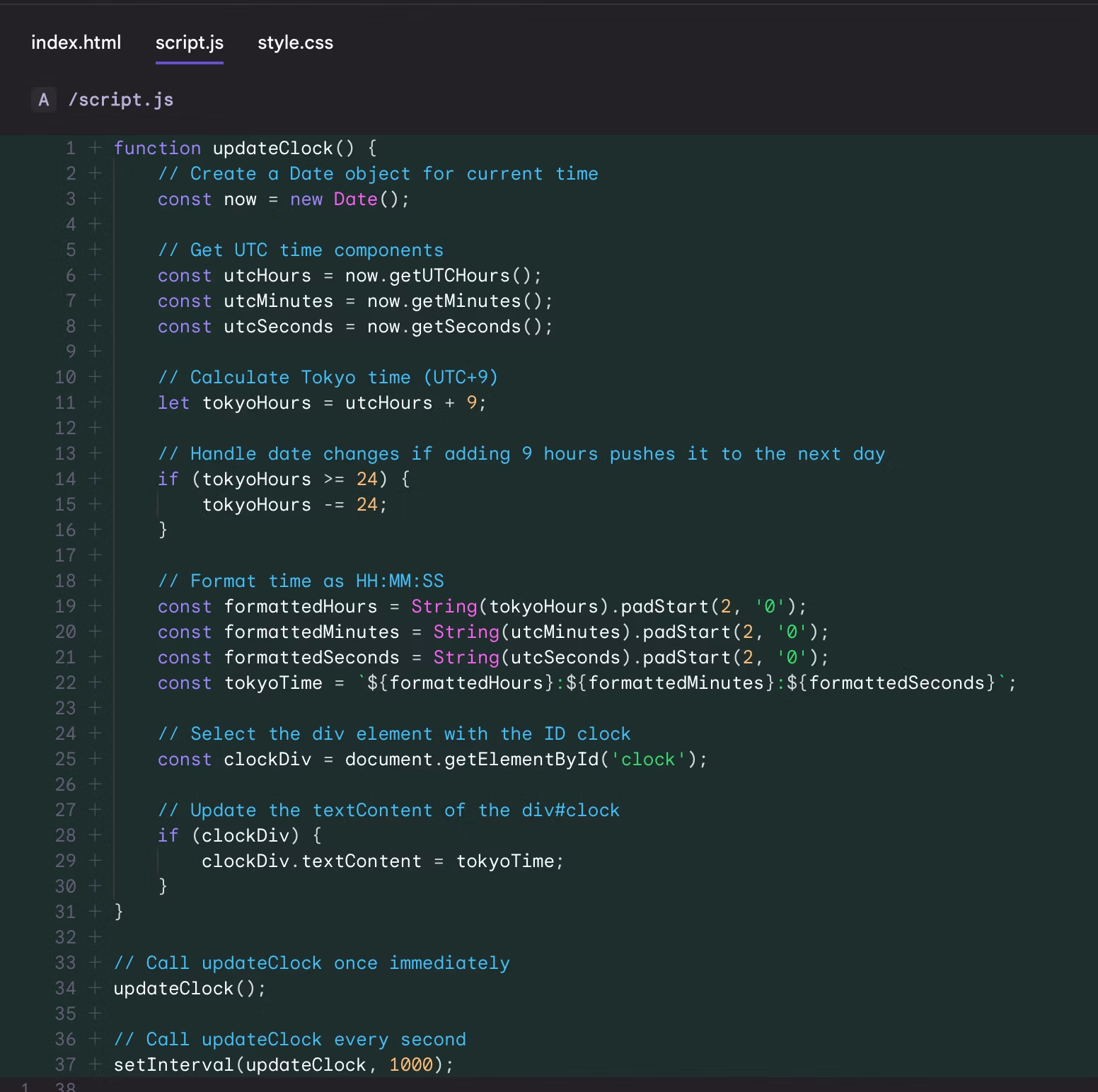
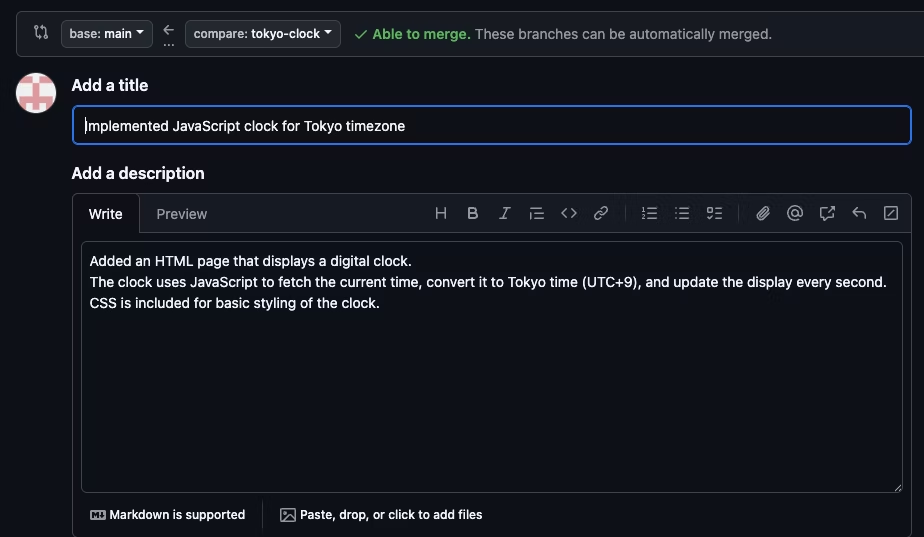
6. Review and approve changes: When the changes are complete, Jules creates a pull request along with a diff of the changes. The user reviews and approves it, and the changes are applied to the repository.
Have you ever found it surprisingly hard to come up with commit messages? Jules summarizes them for you!
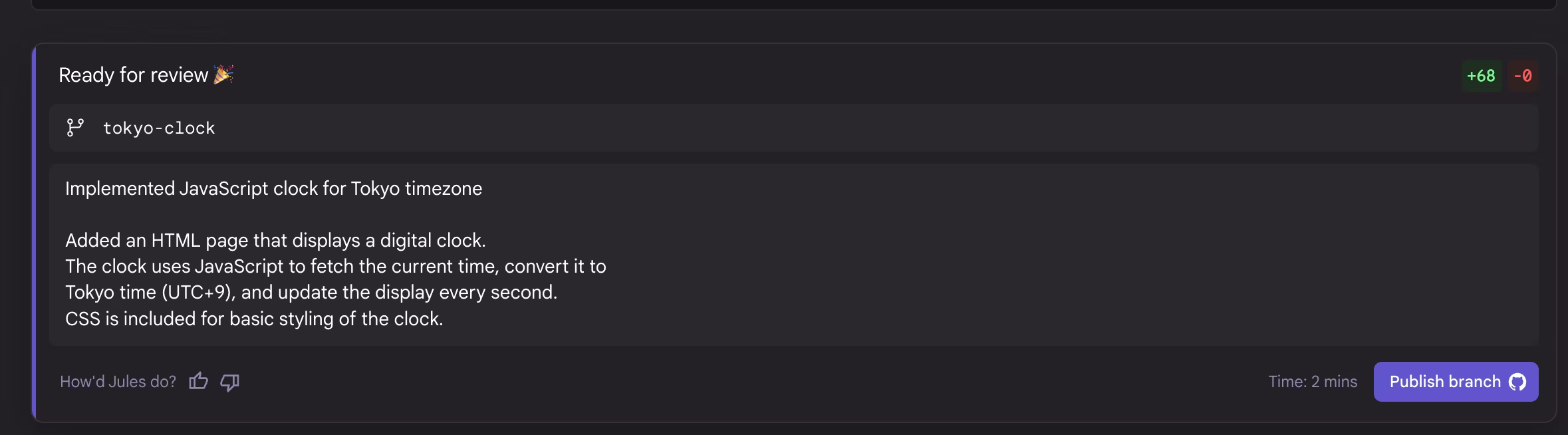
When you pull the branch... the files have been generated in the editor!
Here's what the browser preview looks like!

Previous AI tools would only explain implementation steps or show code when you prompted them with something like "implement a clock in JavaScript." This one, however, handles the entire workflow for you, from creating files all the way through to integrating with git!
For a simple implementation like this one, it's fine to hand the whole thing off. However, I'm still wondering how large a task it can realistically be trusted with...
Next, I'll ask it to add a bit more, requesting "make the styling more vibrant."

It suggested a few options, but I decided to leave the choice up to it.

It changed the background to a gradient!
Just by creating a repository, it generated files from scratch, wrote the code, and even pushed it to git. It's truly a proxy programmer!
However, it is currently offered as a beta version and comes with usage limits (such as 5 tasks per day).
Also, creating files and implementing programs takes some time, and I ran into a few bugs where input fields didn't reflect my entries correctly.
Additionally, if Jules encounters an error, the work done up to that point isn't committed, so even if you want the partial changes, they may not be applied.
We asked for the JavaScript clock implementation to be converted to Next.js this time, and while the conversion and environment setup were successfully completed, an error along the way left us unable to pull the Next.js files locally... Convenient as it is, I felt there are quite a few downsides as well.
Summary
As Jules grows smarter, it may become possible to hand off tedious routine tasks and spend plenty of time on learning new technologies or pursuing hobbies!
Jules may well change the way developers work as a true partner in engineering!




I work mainly on markup and frontend development using JavaScript, React, and Next.js. I'm always happy when a site I've been involved in launches successfully! My hobbies are playing the guitar. I love cats and roasted sweet potatoes 🐱🍠
Hirocchi
Frontend Engineer / Joined in 2022