
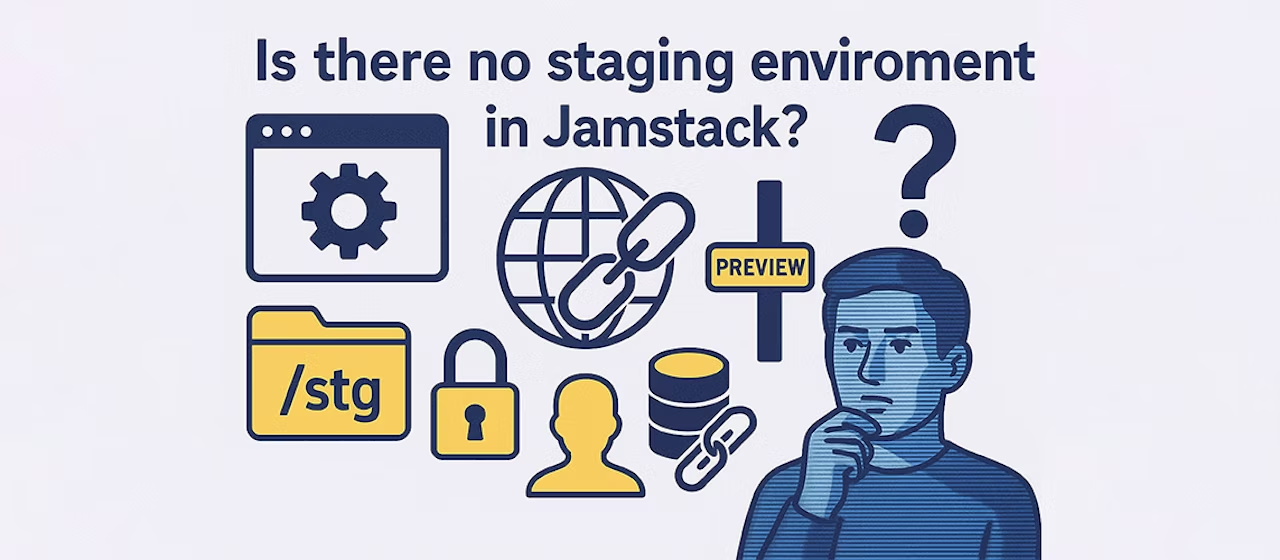
With traditional LAMP configurations and similar setups, it was common practice to secure preview environments by applying Basic authentication to paths like /prev/ or test.example.com/.
However, with recent headless CMS setups using Vercel or Cloudflare Pages, many people seem confused: "When I build, a preview URL is generated, but is this staging?" "Can I even set up password authentication (Basic auth) in the first place?" These are common questions.
In short: preview environments do exist, and they're properly secured!
For example, Vercel and Cloudflare Pages include a feature that automatically generates preview URLs for each Git branch. In other words, a system that automatically creates the latest staging environment every time. If you manage your source code in Git, simply create a new branch and push it — a confirmation URL is issued immediately. There's zero manual effort required to upload files to a staging environment.
"But doesn't that preview URL get exposed to the outside?"
No need to worry. Access restrictions can be set up easily as well.
Cloudflare Pages example
Cloudflare Pages allows you to set access restrictions for preview environments.
Basic authentication
- You can configure authentication using a username and password in a form similar to traditional preview environments. Except for specific configurations, this approach may be used in many cases.
- However, there are cases where Basic authentication may not work properly, such as with hybrid configurations that combine SSG (Static Site Generation) and SSR (Server-Side Rendering).
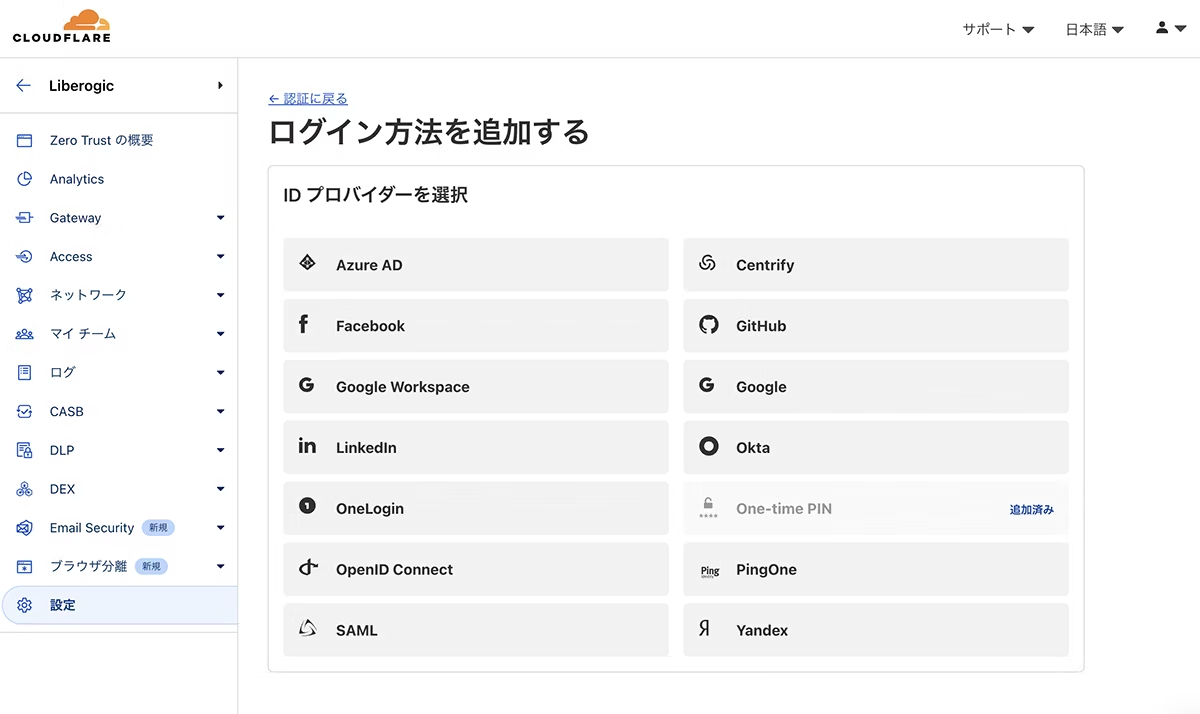
Cloudflare Access
- When Basic authentication is not suitable or when you need more flexible access control, use Cloudflare Access.

You can configure the following settings from the GUI (the free plan is limited to 50 users).
- Allow only users with a specific email domain such as
example.com - Allow only users with a specified email address
- Google account authentication (integration with Google Workspace is also available)
- IP address-based restrictions
- Temporary access PIN issuance

Vercel example
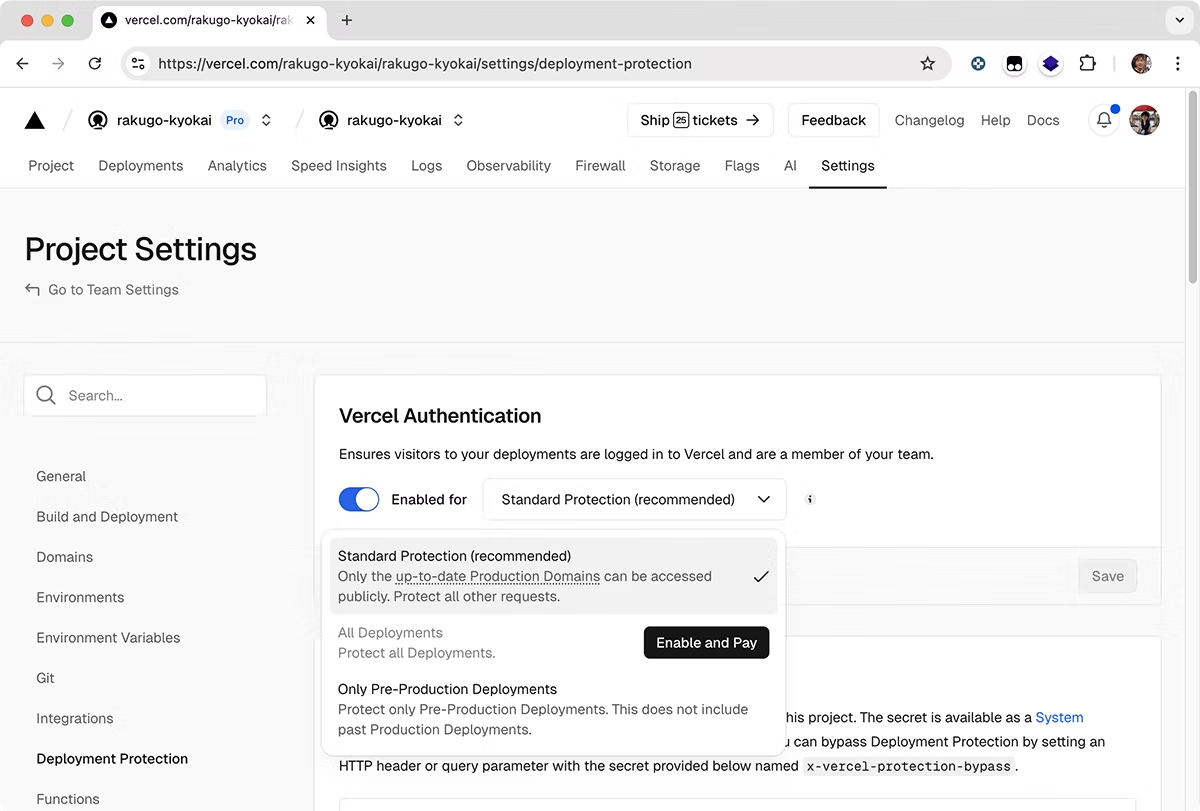
Preview environment protection is naturally possible with Vercel as well.
- Vercel Authentication — restricting access to team members only
- Password protection (configurable on Pro plan and above)
- Different restrictions can be applied to production and preview environments
By leveraging Vercel Authentication, you can restrict access to project members only and create shareable links.
Vercel's preview environment protection previously required password authentication as a separate paid add-on ($150/mo), but now Deploy Protection is available on all plans!
https://vercel.com/docs/deployment-protection
.png?fm=avif)
In other words, here's what it means!
Traditional approach | Jamstack/Vercel/Cloudflare Pages world |
|---|---|
| Branch-specific preview URLs + password/email authentication/IP restrictions, etc. |
Manual uploads | Automatic deployment on Git push |
Access control settings/management can be somewhat complex | Access restrictions are relatively easy to configure via GUI and similar tools |
"Jamstack looks great, but does it actually have a preview environment?" "Is security really okay?" Today's staging environments feature "preview environments" that are automatically generated for each branch. And access restrictions can be configured flexibly and easily.
You can achieve the same peace of mind as traditional approaches, but more easily and more intelligently. We encourage you to try it on your next project.



A "master of technique" who jumped from DTP into the web world and, before he knew it, mastered markup, frontend, direction, and accessibility. Active across multiple domains since Liberogic's early days, he's now a walking encyclopedia within the company. Recently, he's been diving deep into prompt-driven efficiency optimization, wondering "Can we rely more on AI for accessibility compliance?" Both his technology and thinking continue to evolve.
Ayumu Futamata
IAAP Certified Web Accessibility Specialist (WAS) / Markup Engineer / Frontend Engineer / Web Director