

~A designer tries building an authenticated web app on Cloudflare with AI~
Hello. I'm Hassie, a UI designer.
Lately, rather than drawing wireframes and having clients review them, we've been increasingly using AI to create mockups of landing pages and websites for clients to review.
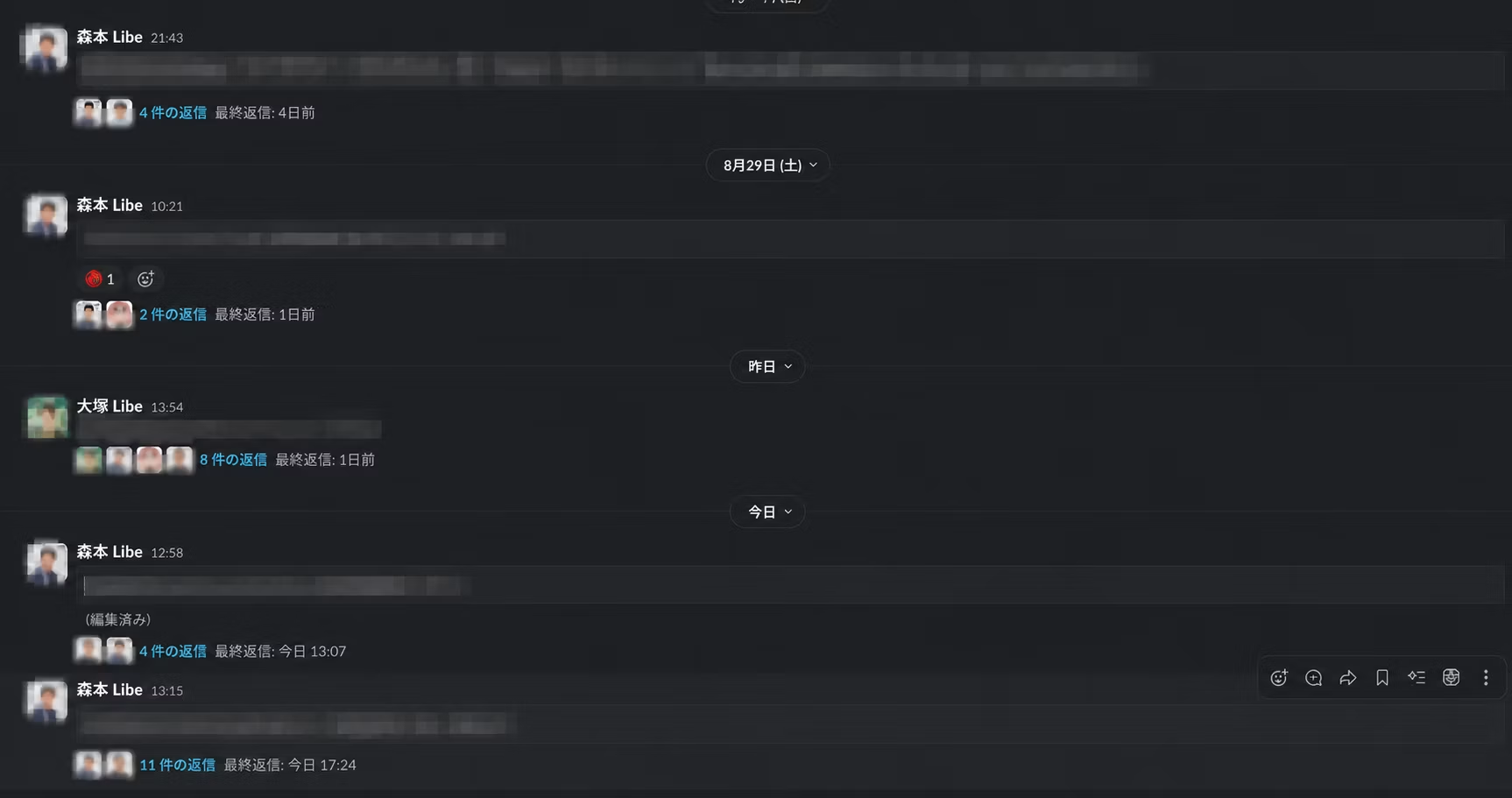
Previously, when we asked for design reviews, we would post comments in Slack such as:

"Please increase the spacing here!" "Swap out this image!" "Change the text here!"
and that's the kind of feedback we used to receive.
At first glance, this seems like a perfectly normal approach.
In fact, it hadn't caused any major problems until now.
However, once we started rapidly creating prototypes with AI, a certain problem began to stand out.
Comments keep flowing.
Slack is convenient.
It's convenient, but of course, it isn't a tool built specifically for design review.
Everyday work updates, casual chat, and questions about other projects all land in the same place.
As a result,
- revision comments get buried in other conversations
- threads multiply
- and you end up asking, "Wait, where was that revision?"
- before you know it, the discussion has shifted to another topic
This kind of thing happens.
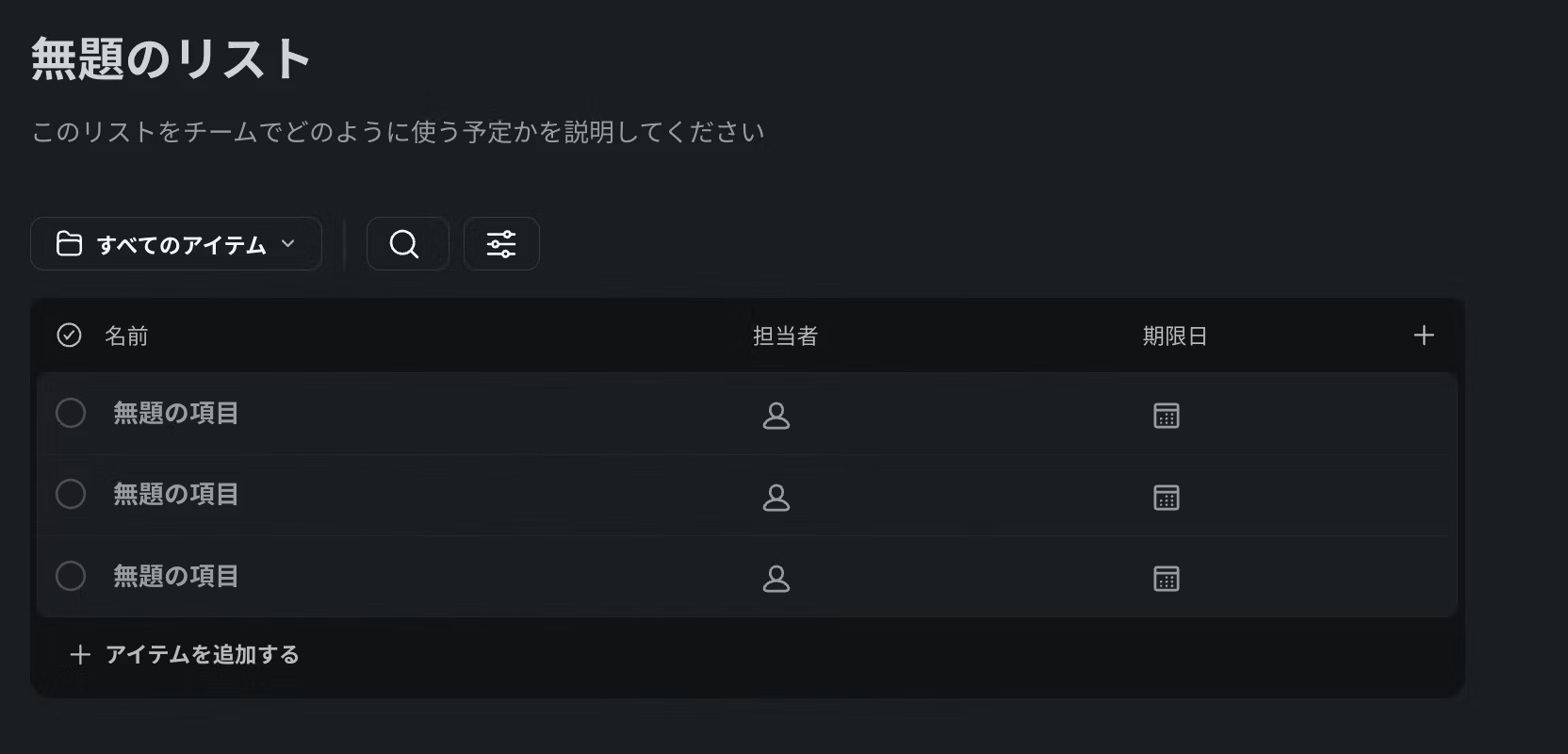
Slack also has a list feature.
I've also written an article in the past about improving workflows using Slack templates.
Get Started with Easy DX Using Slack Templates | Topics | Liberogic Inc.
However, thread notifications were hard to follow, and when we connected notifications, the message area became cluttered...
In the end,
Only the chat area keeps getting busier and busier.
Creating landing pages with AI has become many times faster, but our review process was still the same as before.
Even if the generation step gets faster, it feels like a waste if the review afterward becomes a bottleneck.
So we thought about it.
Wouldn't it be simpler to just write comments directly in the HTML?
I was building a landing page when a thought suddenly occurred to me.

Wouldn't it be great if you could write comments directly on an HTML prototype made with AI? And wouldn't it be even more convenient if you could bundle the comments and attached images into a ZIP file and pass it straight to an AI such as Claude Code or Codex?
Marking up screenshots in red is easy to understand, but if you could review the HTML itself,
- the place you clicked
- the CSS selector of the target element
- nearby text
- page name
- the reference images you attached
can all be kept together.
In other words,
Instead of "fix this here," you can say "fix this HTML element like so."
This also seems like a good fit for asking AI to make revisions.
"Wouldn't this be really handy?"
That's how I started building
Design Marker (LP Review Checker)
That is correct.
Just gave it a try
The first version was a local app that ran on my own computer.
Using it is simple.
- Zip the HTML files
- Drag and drop into Design Marker
- Preview the HTML inside the ZIP in your browser
- Click the area you want to comment on
- Write a comment
- Export a review ZIP that includes your comments
- Pass it to AI tools like Claude Code or Codex to have the fixes made
Leave comments directly on the HTML, as if you were drawing a red line on a screenshot.
Not long ago, building something like this would have taken days.
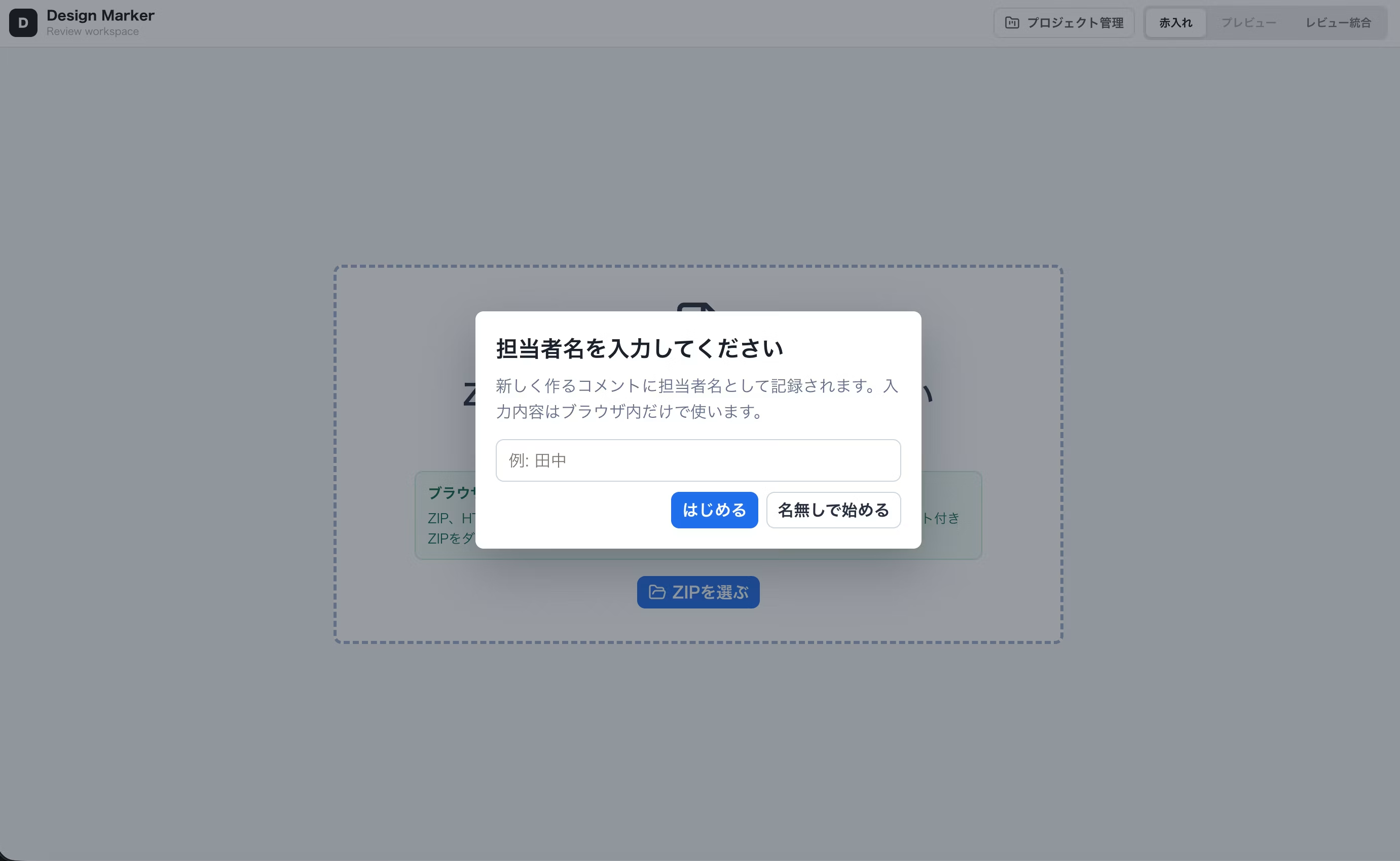
As we kept building,
a comment list, assignee names, jumping to comment positions, image attachments, merging multiple reviews...
"I want this too" and "I want that too" kept adding features, little by little.
From around this point,
Wait... this could actually be useful as an internal tool, right?
And so, little by little, I start getting carried away.
It worked better with AI than I expected.
While building Design Marker, the most promising part was its integration with AI.
When you ask for changes in a regular chat,
"Please make the image in the top left a little bigger."
the instructions tend to end up something like that.
Between people, you can usually figure it out by looking at the screen together, but for AI, it's unclear what "top left" refers to or which element "the image" is.
With Design Marker, you can grab a CSS selector from a clicked HTML element, such as this one:
article.strength-item:nth-of-type(1)
 > div.strength-visual-wrap
 > div.illustration-slot
Then, to the AI,
Please enlarge the illustration inside
article.strength-item:nth-of-type(1)to about 115% of its current size.
You can give instructions in the form of
As long as the DOM structure hasn't changed significantly, you can pinpoint the target for changes quite precisely.
You can also pass along the page name, nearby text, comments, and reference images.
Until now,

No, no, not there!
I've also found that fixes I used to have to repeatedly re-explain to the AI often land exactly where I intended on the first try.
Reviewing in HTML might be a surprisingly good fit for the AI era, don't you think?
I felt real promise here.
I thought, "This is handy!" and shared it internally, but
Alright.
This is handy.
Let's get everyone using it too.
I eagerly shared it with the team.
And then...

It doesn't work? What, is it my settings?

Oh no...
Yes, that's right.
It works on my computer.
But,
It doesn't work as-is on everyone's computer.
It fit neatly into the typical local app mold.
I can use it. But everyone else can't.
Since I'm the one developing it, of course it runs.
However, for others to use it, they needed to install Node.js and prepare the dependency packages.
For people familiar with development, it isn't particularly difficult.
But for designers and directors,

first, please install Node.js.
A review app that starts from that point.
...At that point, it's no longer a casual review app.
So,
"Then I'll just make it launchable with one click!"
I thought, and also created a startup file called start-mac.command.
Double-clicking it
launches Terminal, performs the necessary setup, starts the app, and opens the browser.
Great. Perfect.
...that's what I thought, anyway.
But on second thought,
"Please double-click this unfamiliar
.commandfile."
is also a bit scary, as instructions go.

Do I really send the boss a message saying, "Just double-click this to get started!"...? That seems suspicious. Even though I built it myself, it still seems suspicious.
It did work, but it wasn't the version that ended up being the main one for internal sharing.
When you build apps alongside AI,
"It works on my machine, but nobody else can use it"
is a wall that developers apparently know all too well, and you run into it without much surprise.
A Senior Engineer's Advice
In the middle of all this, a senior engineer offered a simple suggestion.

Why not just write a README and say, "Load the folder into Claude Code and set things up by following the README"?
……
I had been adding all kinds of features to make things more convenient, but for people who can use AI, that approach was far simpler by a wide margin.
Rather than trying to solve everything inside the app,
Figure out the easiest approach, including for the people using it and for AI.
That was a good lesson too.
But the boss won't leave a comment.
I also wrote a README.
I also simplified how to start it up.
This should work.
...that's what I thought.
But then...
No word at all.
The boss is busy, so they're not paying attention to me...
Here, I realized something even more important.
Rather than building a review app,
getting people to actually use it
is many times harder.
No matter how convenient you make it locally,
"Launch the app"
is still the first step that's required.
For busy people, even that one step becomes a barrier.
In that case...
Then let's go with the web.
Couldn't people use it just by clicking a URL?
With that in mind, I decided to build a web version of Design Marker.
For now, I'll build the pre-login pages to get my motivation going.
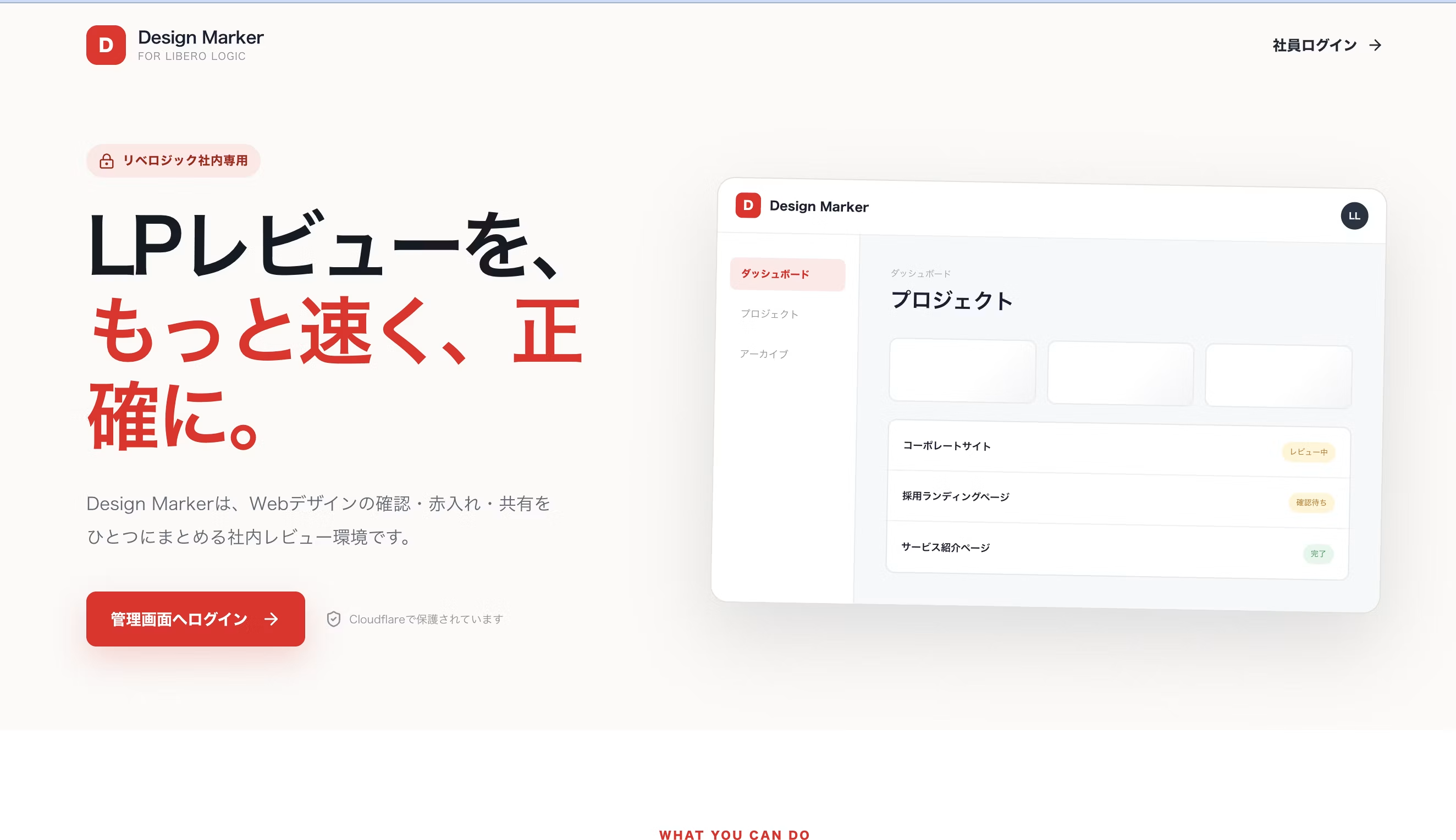
I want to refine many things, but there's a lot to think about, so for now it's an AI-generated landing page.
I thought about what to use for the backend, and settled on Cloudflare.
That said, I'm a designer.
Cloudflare Pages、Pages Functions、Cloudflare Access、D1、R2……。
I had heard of these names before, but this was my first time designing the architecture myself and building it as a web app.
This is where the AI takes the lead.

I want to build an internal admin screen and a review screen to share with clients.

There is a way to use Cloudflare Access for the admin screen.
What about comments and project information?
You can save it to D1.

What about ZIP files?
You can use R2 for that.
I see. I think I've got the whole picture now!
...Well, I only think I do.
AI is really impressive.
If you ask, it will even walk you through a fairly specific architecture.
However, what I strongly felt during this development was that
knowing how to do something with AI is one thing, and being able to build a secure system is another
That was the conclusion.
From "Please teach me" to "Is my understanding correct?"
Especially for parts related to security, I was scared to make decisions based solely on AI's answers.
So I decided to have senior engineers review any parts I didn't understand or that were especially important.
If this had been me before,
I want to do something like this with Cloudflare. What should I do?
I think I would have started asking from that point.
But then my senior would have to explain everything from scratch.
When they were already busy,
"Senior! Please teach me from the very beginning!"
It's like charging in without a plan.
This time, I first organized my thoughts by going back and forth with AI many times.
Then,
Restrict the admin screen to internal team members only using Cloudflare Access. The shared screen is accessed with a URL, ID, and password for each project. Project information and comments are stored in D1, and the full set of LP files as a ZIP is stored in R2. Is this understanding correct?
I got to that point before consulting.
In other words,
"Please tell me"
instead of
"Is this understanding correct?"
became the new approach.
For me, this was quite a big change.
Fewer back-and-forth exchanges with seniors meant that time could be spent on the parts that truly needed review.
I also stopped simply copying AI answers and started
"why it works that way"
and gradually building that understanding as I went.
Once it moved to the web, a different wall was waiting
Little by little, the web version has started to work.
Just send a URL and it opens.
It is far easier to use than a local app.
"Isn't this solved now?"
...that's what I thought, anyway.
The moment it went to the web, problems I hadn't paid much attention to in the local version suddenly surfaced all at once.
For example,
- Is it safe to entrust unpublished customer landing pages to the cloud?
- Who can view which project?
- How do you protect passwords?
- How do you prevent unauthorized login attempts?
- Can uploaded HTML be displayed safely?
- When do you delete project data after a project ends?
and so on.
Adding a single authentication screen does not mean security is complete!
It goes without saying, but only after building it myself did I truly come to appreciate its weight.
We currently implement the basics, including Cloudflare Access, per-project login, and storage in D1 and R2.
On the other hand,
There are still areas we want to improve before a formal public release, including strengthening password protection, limiting login attempts, separating HTML previews, and defining rules for data storage and deletion.
Design Marker also includes a mode that lets you review ZIP files entirely within your browser, without saving them to the cloud.
We only save the necessary project information and ZIP files when sharing projects in the cloud.
Design Marker is not yet a formal service.
We are currently testing it mainly for internal use.
In other words, what we built this time is not
"a completely secure service"!
That's not the case.
Rather,
an app still in progress, where we are learning what needs protecting and implementing the necessary safeguards one by one.
That is correct.
Moving to the web doesn't just mean added convenience.
It also comes with the responsibility of handling user data.
This project was a real learning experience.
This is the admin screen of the completed design maker.
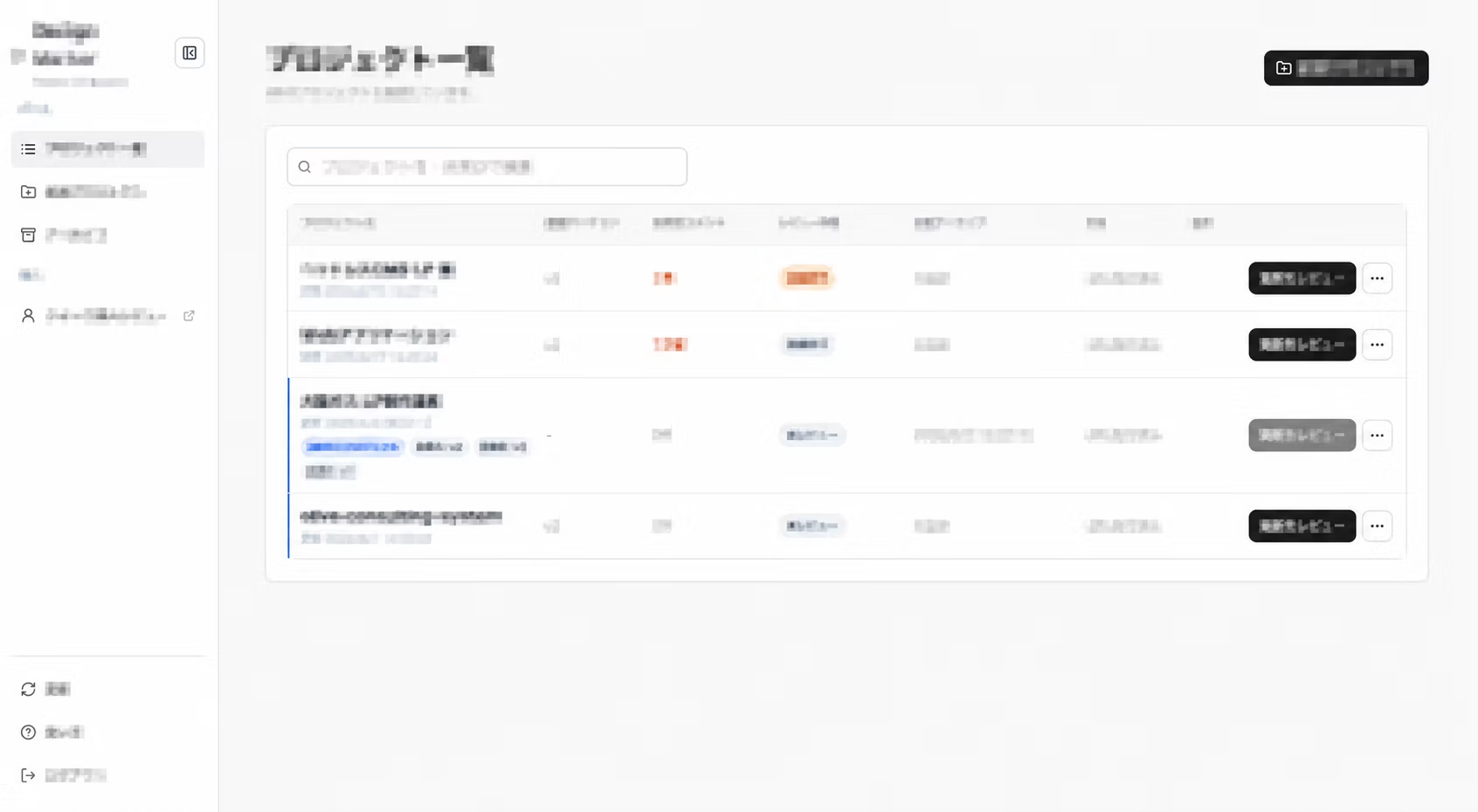
From the dashboard, staff can check all of the revision feedback.
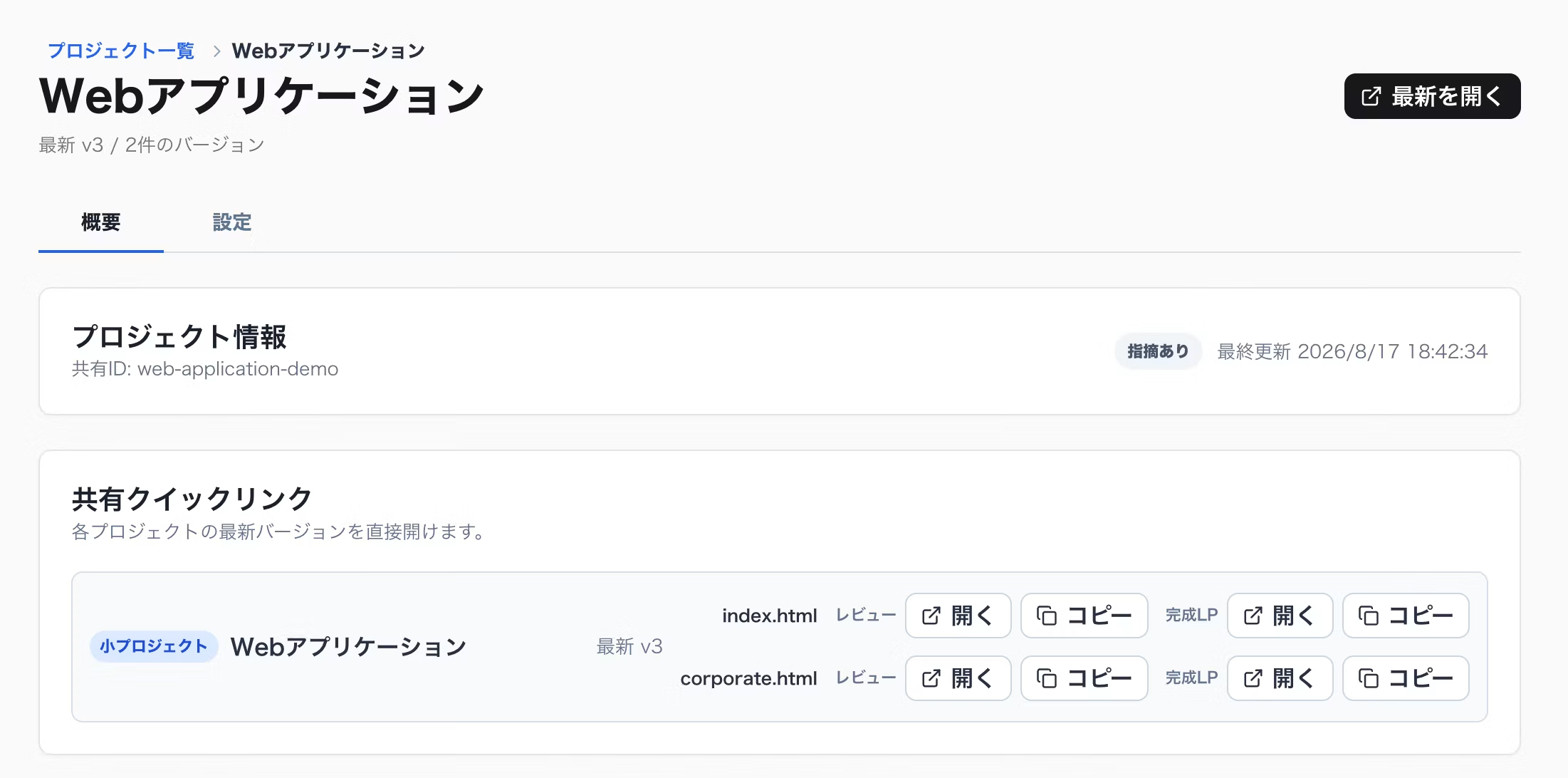
On the detail page, you can open the quick links for the composition draft to view the LP directly or leave comments.
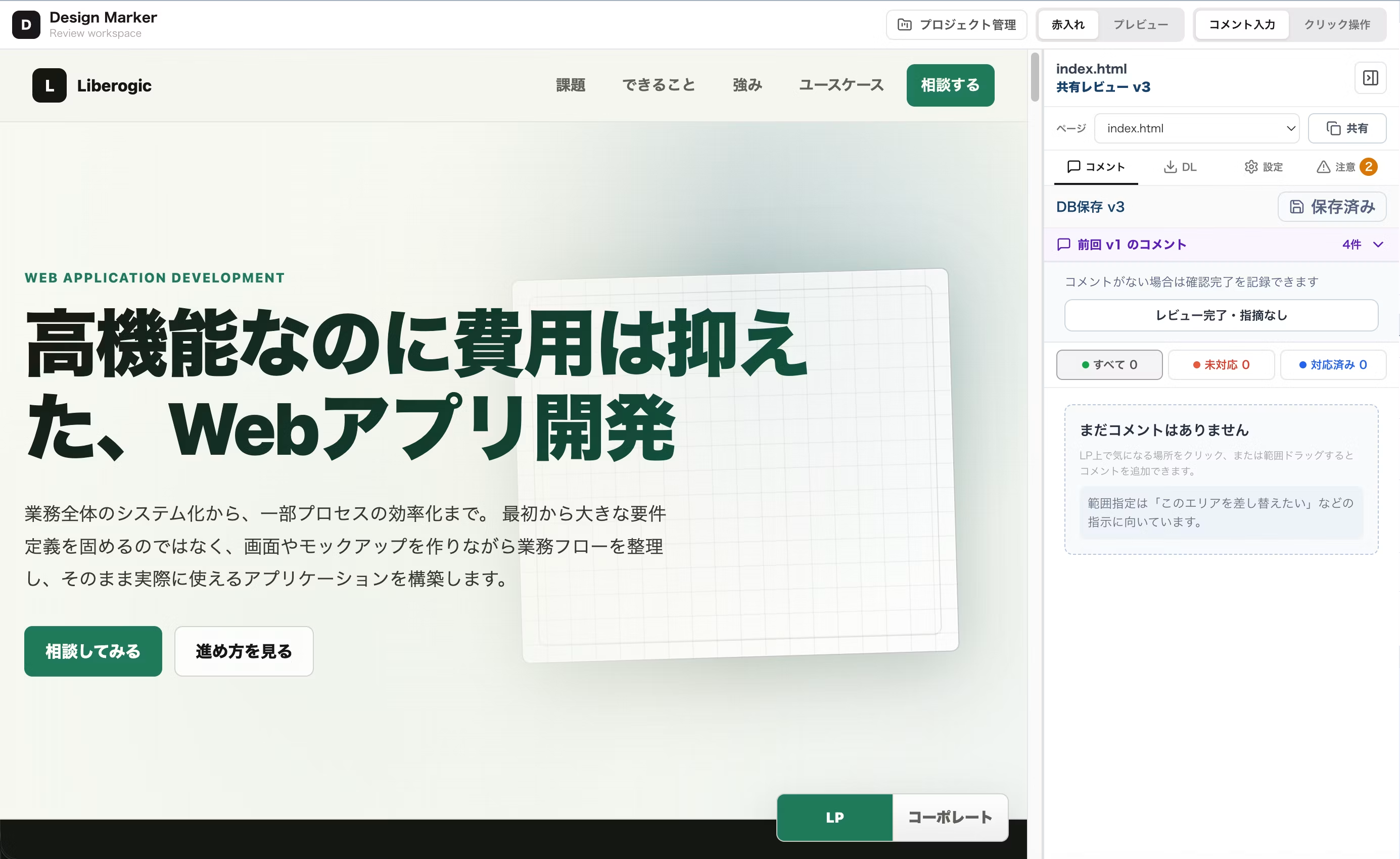
You can then review the comments left on the LP in this format. You can also refer to previous comments, which made revising the structure much smoother.
Even with AI, learning was still necessary
Through this development, I also strongly felt one more thing.
Thanks to AI, it has become much easier for designers to take on development than before.
Personally,
"I want to build this"
the range of what you can take from an idea to a working product has clearly expanded.
However, that
"you no longer need to study"
did not mean what it seemed to mean.
It was quite the opposite.
This structure is recommended

Got it!
Relying on that alone is risky.
What's really needed is
"Why?" "Is that good this time too?" "Is anything missing?" "Shouldn't we have an expert check this part?"
that came to mind.
You still need the knowledge to judge whether AI's suggestions fit the conditions at hand and what is lacking.
AI is a truly reliable partner.
But in the end, it is humans who make the decisions and take responsibility.
Bringing Design Marker to the web also gave us a chance to reconsider how we work with AI.
In the AI era, review may be the thing that changes the most.
AI can build a landing page in minutes.
Drafts that used to take hours now appear surprisingly fast.
But after that,
"Change it like this" "Widen the margin a little" "Only change this image"
This kind of back-and-forth, surprisingly, hasn't changed much over time.
Only the speed of creation has increased,
People review it, explain what needs to be fixed, and then have it rebuilt.
This part is still quite human-driven.
That's why lately,
Not just the AI itself,
how AI and people interact
is also becoming important, I think.
Design Marker is one of our experiments in that direction.
Currently, input is saved in both
We are testing features such as comments on HTML, image attachments, consolidating multiple reviews, and per-project version management.
There are still plenty of things we want to do next.
Marking up screenshots directly with annotations.
Requesting AI revisions based on comments.
Improving comparison between versions.
Making reviews easier to use for multiple people.
And of course, strengthening security, including authentication, HTML previews, and data management.
For now, we plan to use it internally and improve it one step at a time.
To start,
"I want to do something about the Slack comments flooding in."
It was a small tool we started building with that kind of casual feeling.
Before we knew it,
we built a local app,
but the president never used it,
so we turned it into a web app,
studied Cloudflare,
struggled with security,
consulted a senior engineer,
and ended up thinking through how to work with AI as well.
……I just wanted to build a simple review app, but it turned out there was a lot more to think about than I expected.
Still, I think it's an interesting shift that we can now turn the small inconveniences in our everyday work into real tools together with AI.
Once it's developed to the point where we can release it to the public with confidence, I'd like to formally introduce Design Marker.
But first.

For now, I'll start by getting our president to write a proper comment (lol). In any case, it looks like I'll be enjoying some good sake today.




UI design is evolving every day! I'm also wrestling with how to bring accessibility into landing page design. I've recently stepped away from markup, and lately I've been wondering, "Should I be evolving my JS skills too?" Oh, and I'm a big fan of Takumi Kitamura!
Hasshi
Web Designer / Joined in 2018 / Still a budding designer at heart